⌘
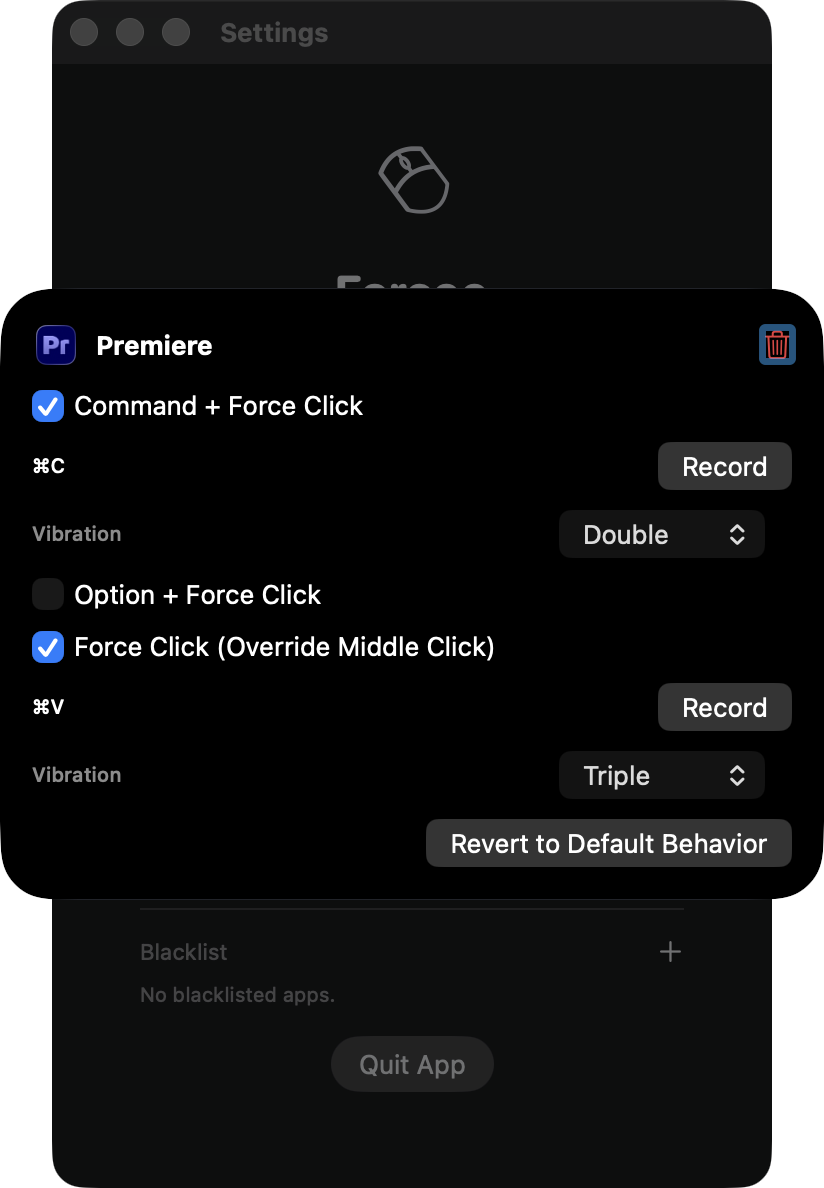
Per-App Macros
Define separate Force Click behaviors for browsers, IDEs, and design tools.
Native force click remapping.
Zero system overhead.
Everything you need to make Force Click actually useful.
Define separate Force Click behaviors for browsers, IDEs, and design tools.
Native event interception with lightweight overhead and no background noise.
Tune haptic response patterns so each macro feels distinct and predictable.
Quick answers to common questions.
I tried most of them, some more featured than Forcee does. However, they sometimes emit strange behaviors (For example, one does both clicks - left and middle - when force clicked). Forcee tries to do one thing, native, elegant, and clutter-free.
Forcee captures native touchpad behavior, so most apps work out of the box. You can also set app-specific macro behavior and add exceptions in Blacklist. (Pro feature)
Forcee would thereotically work on any Macbook with taptic engine under its touchpad. This includes:
Macbook Pro 2015~present
Macbook Air 2018~present
Macbook 2015~2017
Forcee is designed to run with minimal overhead using lightweight MacOS native event interception. It is written entirely in swift and c, so the response should be lighting fast⚡️
Yes. Basic behavior (i.e. mapping as middle click) is available in free mode. Pro unlocks advanced macro customization.
Pro enables three features:
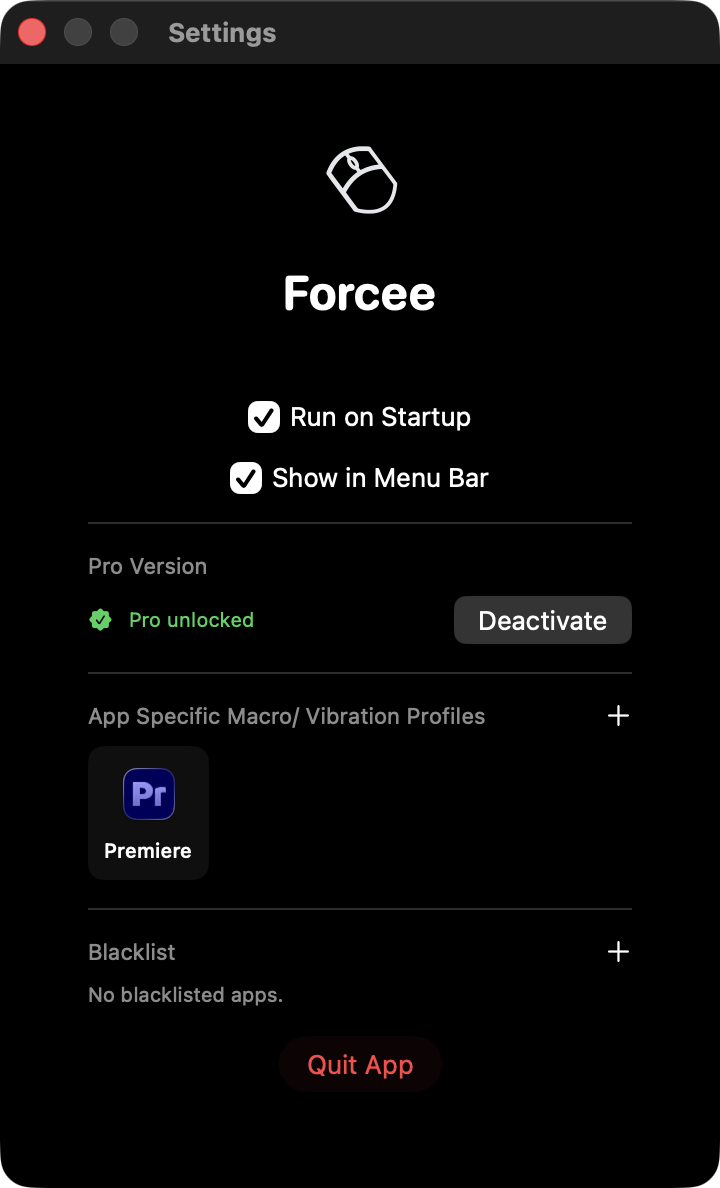
1. Option to map keyboard hotkeys to force click/ ⌘ + force click/ ⌥ + force click
2. Change trackpad vibration profiles (standard/ soft/ double/ triple)
3. Blacklist specific apps
possibly more features to come, and also supports my livlihood!
Your average CS student struggling with Computer Arch

Hi, I'm Ethane, a current CS student in National Tsing Hua University, Taiwan.
The story behind this app is fairly simple: I game on my Macbook, and some of them requires the function "middle click",
which is just plainly not implemented in laptop trackpads.
I'm also a heavy user of the middle mouse button when browsing on desktop, thus Forcee was born!
It's built to fit my own needs and also serves as an attempt to feed myself.
I work as tutor parttime, but that's sadly not reeaaallly enough to keep up with the rising living costs :(
Here is a quick guide to installing and setting up the app:
Install
Open the downloaded .dmg file and drag Forcee.app into your Applications folder.
First Launch & macOS Warning
When you open Forcee for the first time, macOS will likely show a warning that the app cannot be checked for malicious software.
Note: This happens solely because Forcee is an indie project and is not yet signed with a paid Apple Developer certificate. The app is 100% safe, virus-free, and you are welcome to scan it with any antivirus software.
Allow Access
To bypass this, please go to your Mac's System Settings -> Privacy & Security, scroll to the very bottom, and click \"Open Anyway\" next to Forcee. Then, try opening the app again.
I apologize for this initial inconvenience. This is a one-time setup, and it should be the last friction you experience with the app.
Any feedback or suggestions are highly welcome at [email protected]. Thank you again for your support!
Ethane. 2026/4
